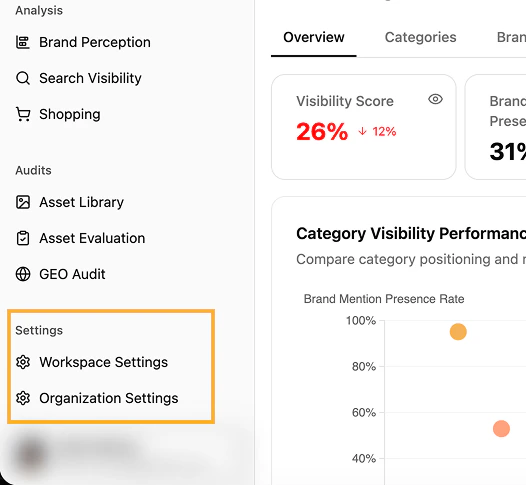
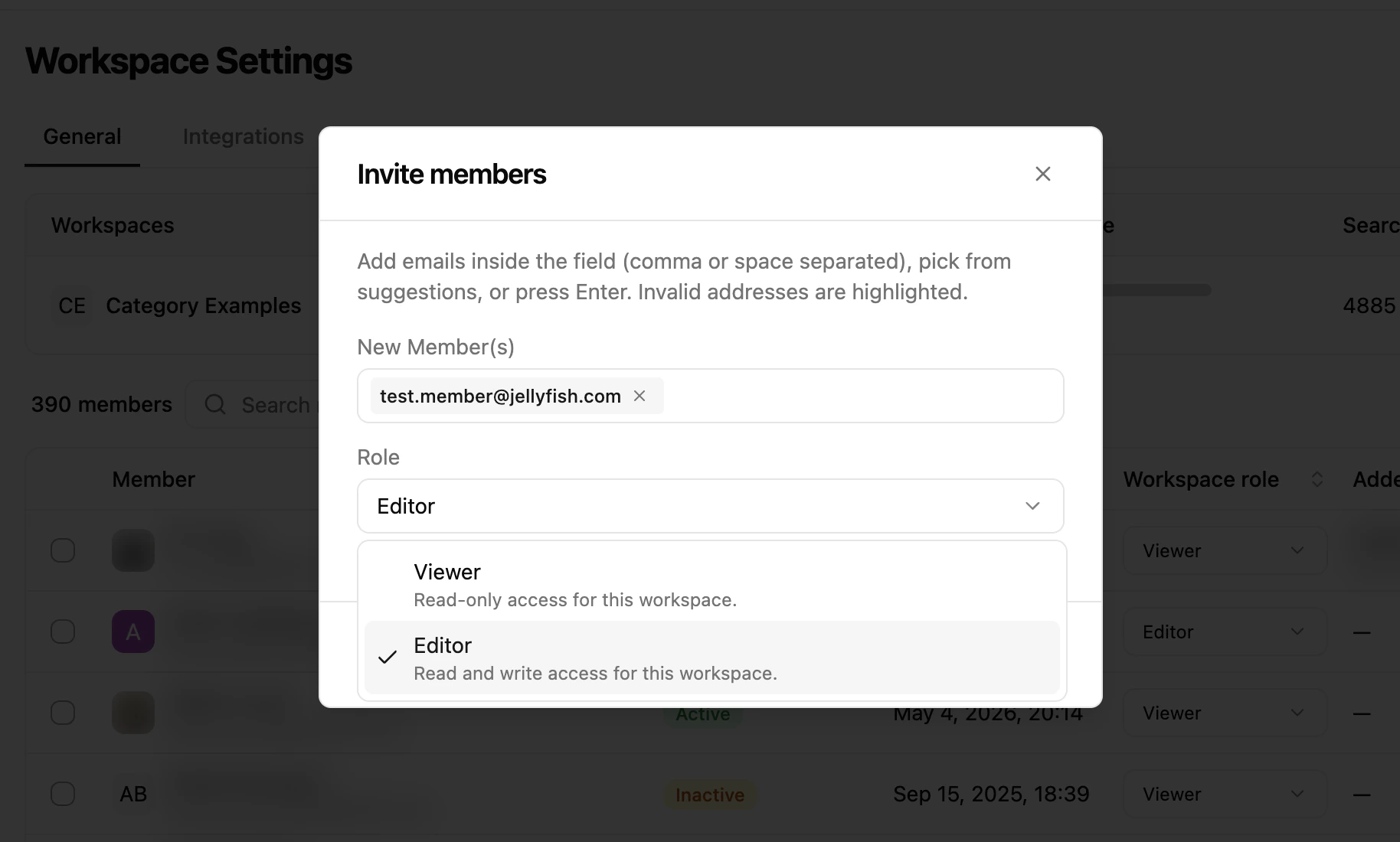
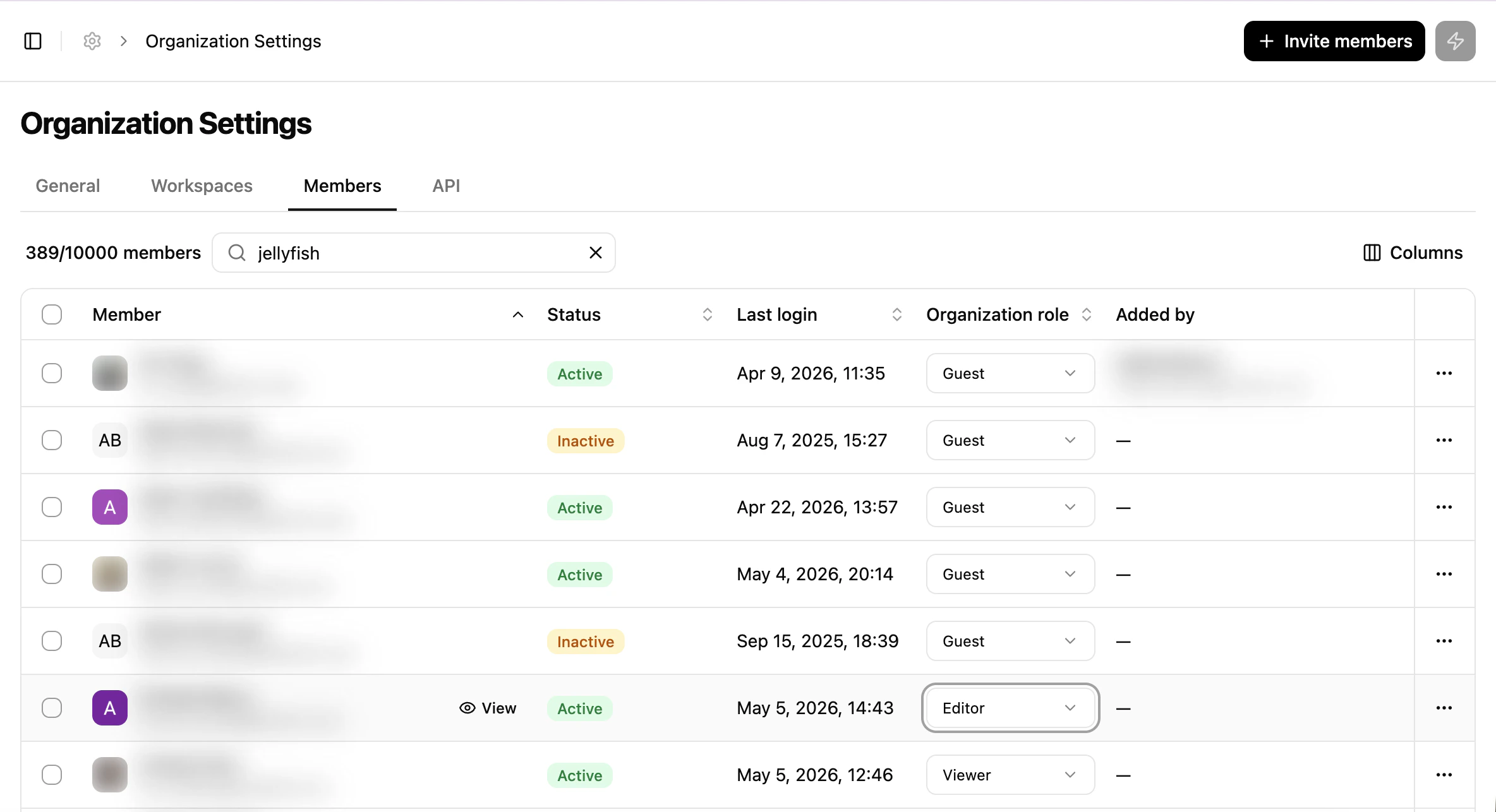
Manage members, roles and workspaces from the Share Of Model settings as an organisation owner.
The User Roles and Workspaces management feature lets organisation owners govern access for team members across an organisation and its workspaces.From the platform, organisation owners can:
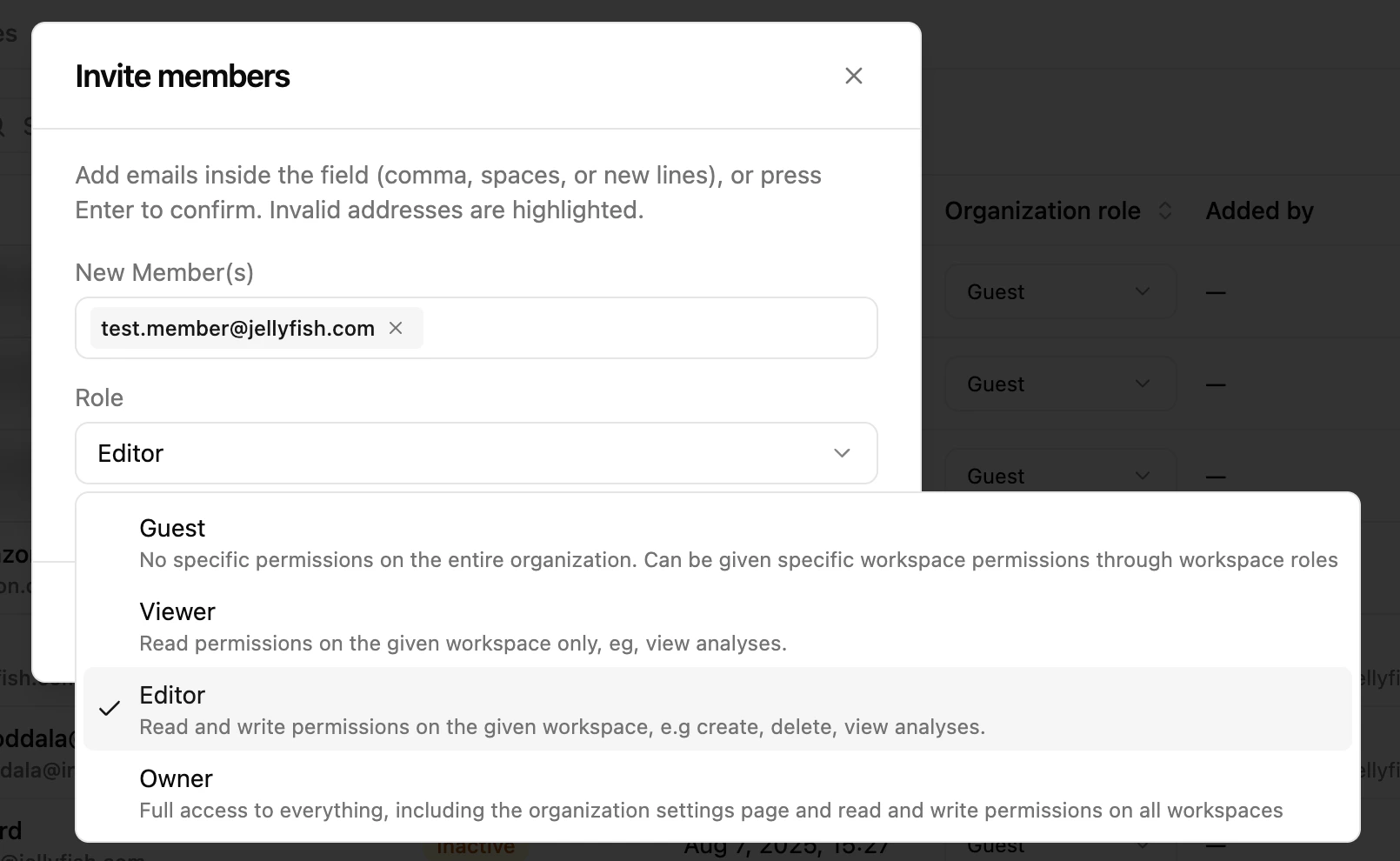
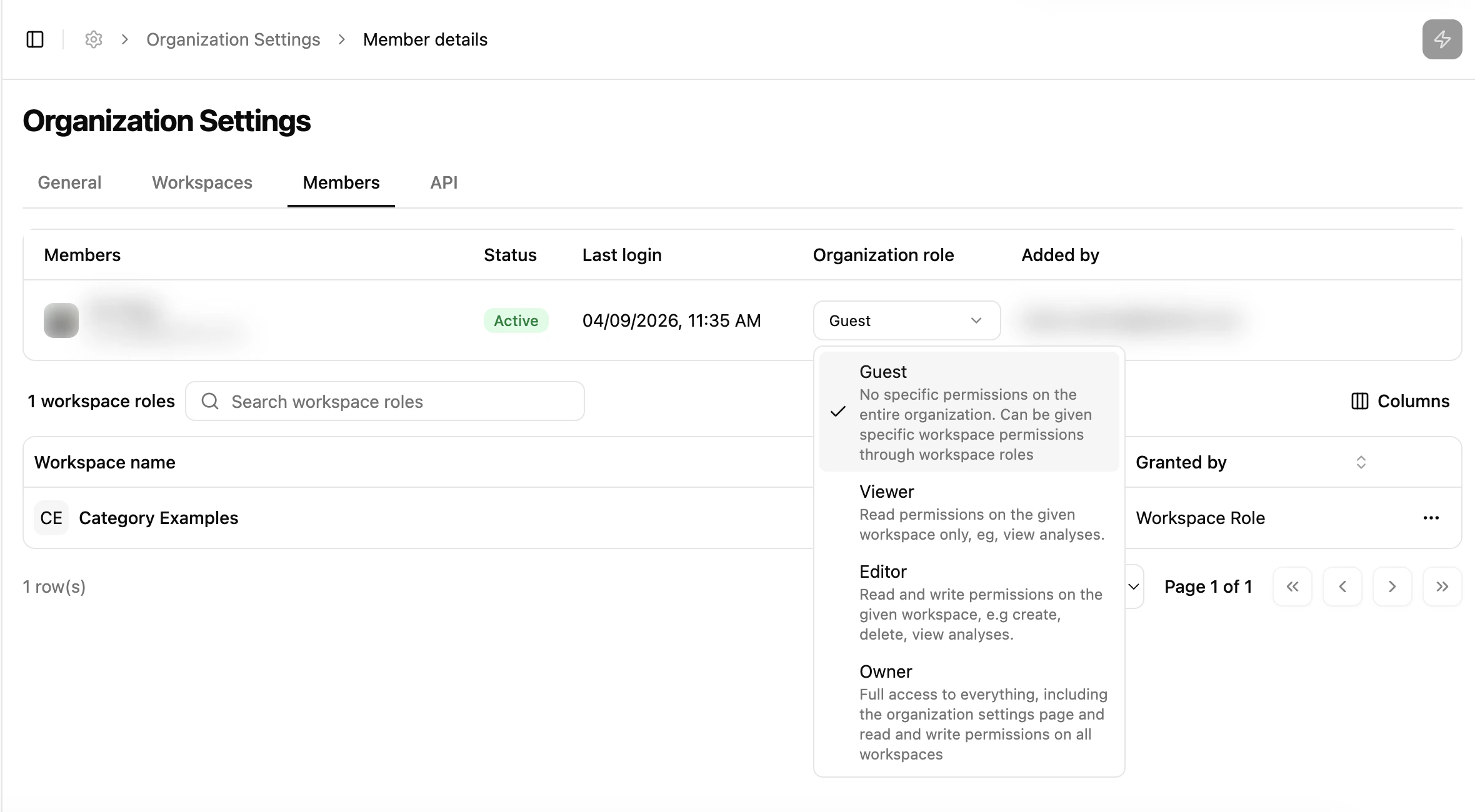
assign roles at the organisation level (for cross-workspace access),
set granular permissions at the workspace level,
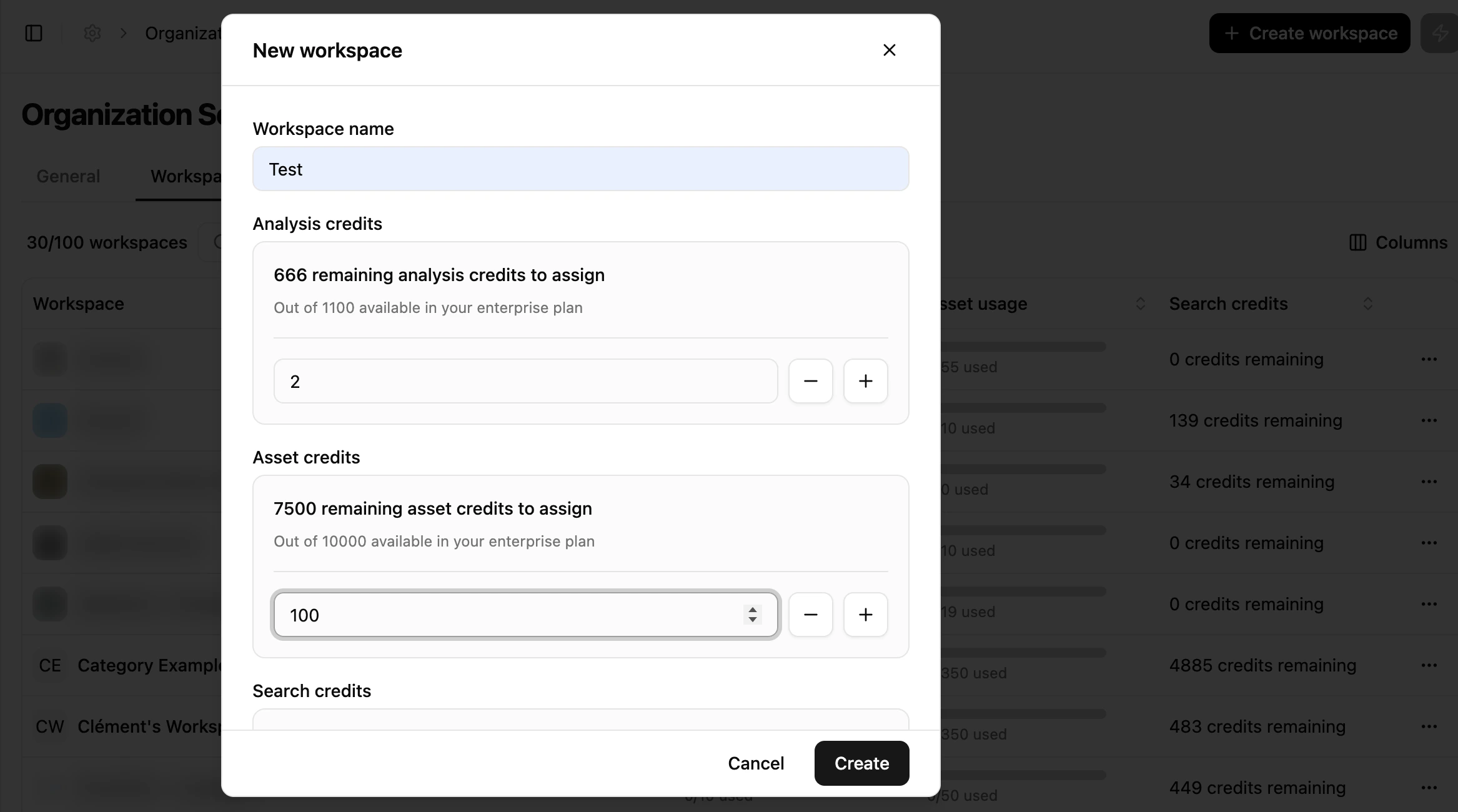
create workspaces and allocate credits per workspace.
An organisation role grants an implicit workspace role everywhere in the organisation, so you rarely need to assign both:
Organisation role
Implicit role in every workspace
Organization Owner
Workspace Editor
Organization Editor
Workspace Editor
Organization Viewer
Workspace Viewer
Organization Guest
None — assign a workspace role explicitly
Organization Owner and Organization Editor both inherit the same level — Workspace Editor. Administering the organisation happens at organisation level; it does not grant extra rights inside an individual workspace.
Use Organization Guest when someone should only reach specific workspaces: the role grants nothing on its own, so their access is exactly the workspace roles you assign.