Evaluate creative assets directly from Pencil Pro using Share Of Model brand-attribute scoring.
Share Of Model Scoring connects the creative library in Pencil Pro with the Share Of Model platform. The integration assesses how well each creative reflects your brand’s strategic attributes — based on LLM perception — and brings AI-informed feedback into the production process.
Confirm the client has an active Share Of Model workspace, then request the API token from the dedicated Customer Success Manager. If unsure who to contact, post in the #ask-us Slack channel.
The token identifies the workspace, tracks analysis usage, and stores the results.
2
Connect Share Of Model to Pencil
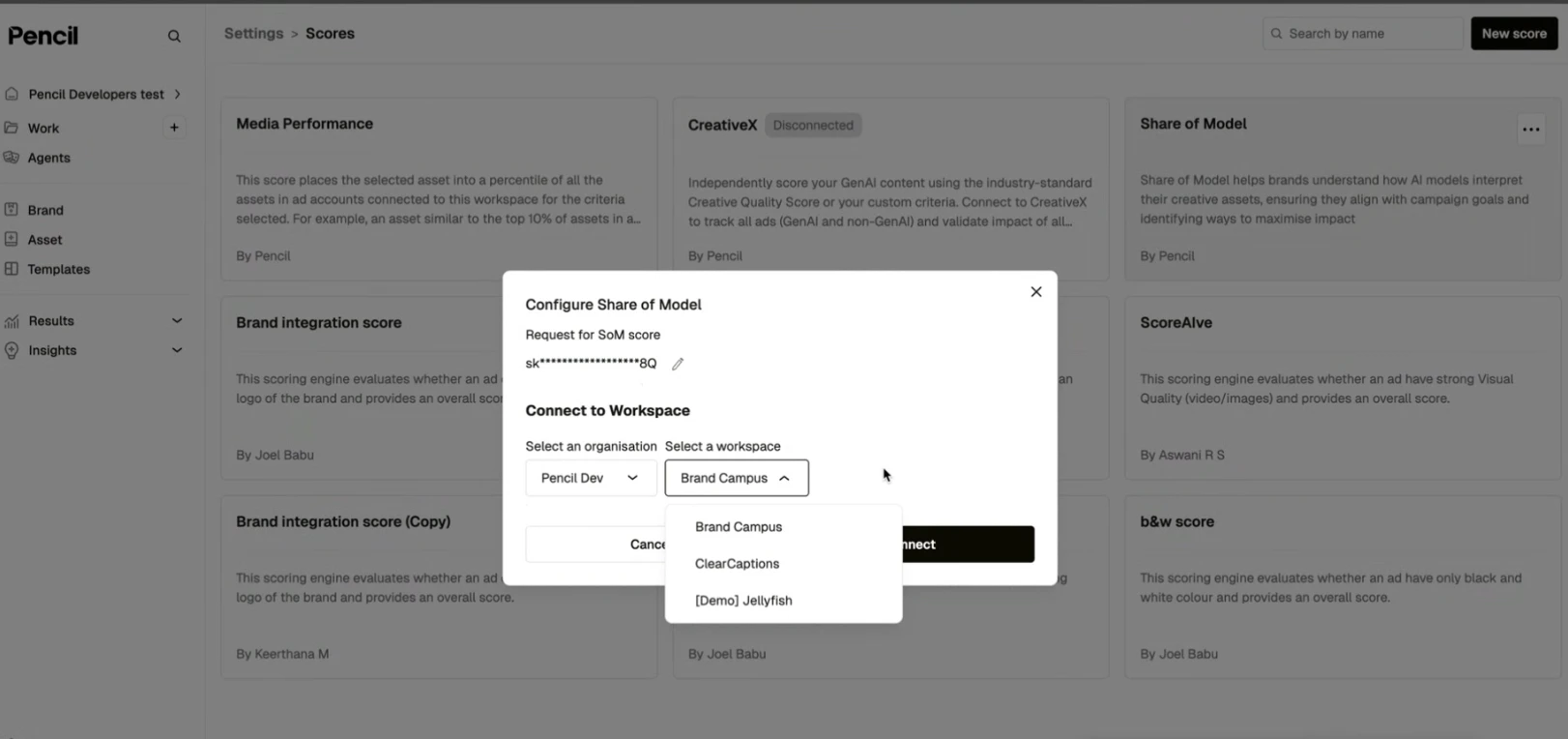
In Pencil, go to Settings → Scores. Under Share Of Model, click Connect, paste the API token, then select the matching organization and workspace and confirm.
Connect Share Of Model in Pencil settings
3
Launch a scoring request
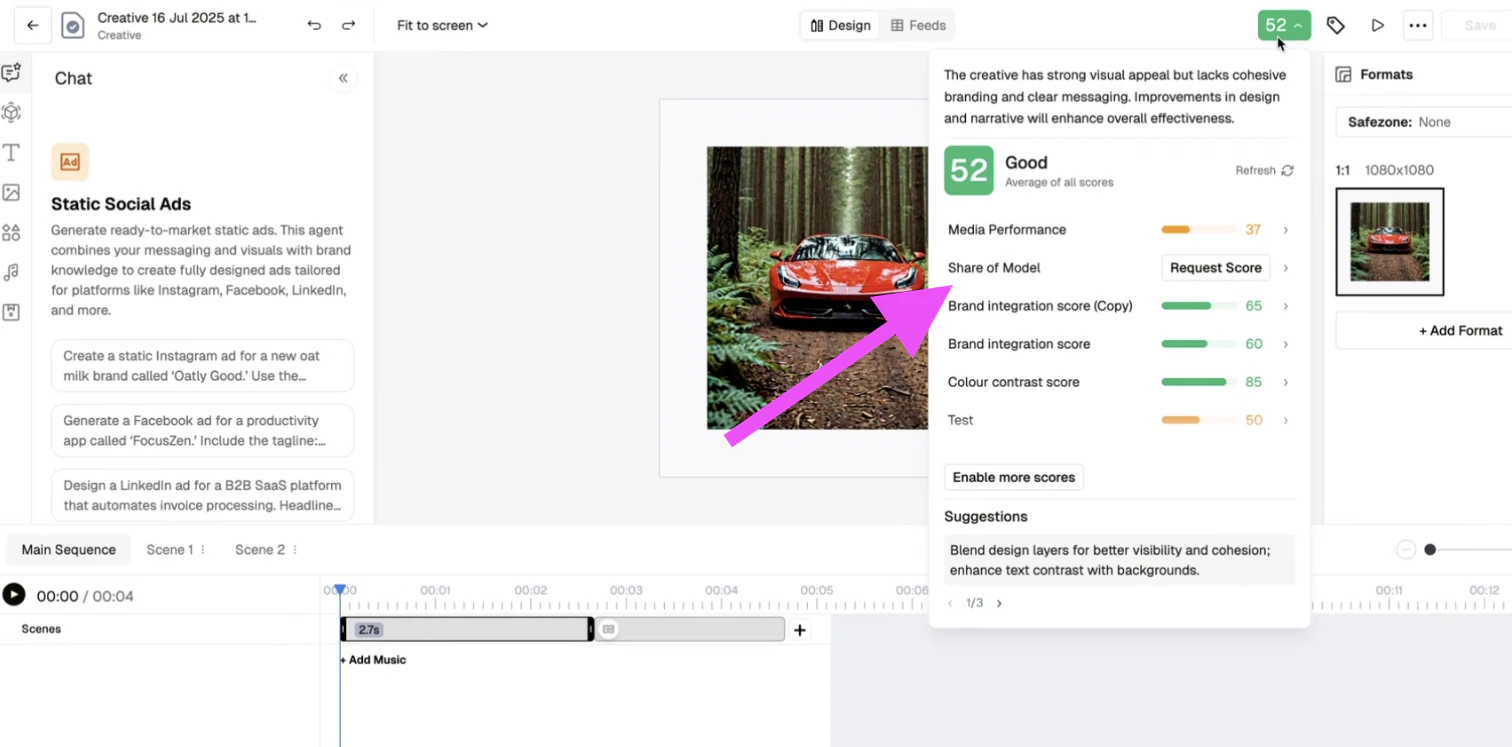
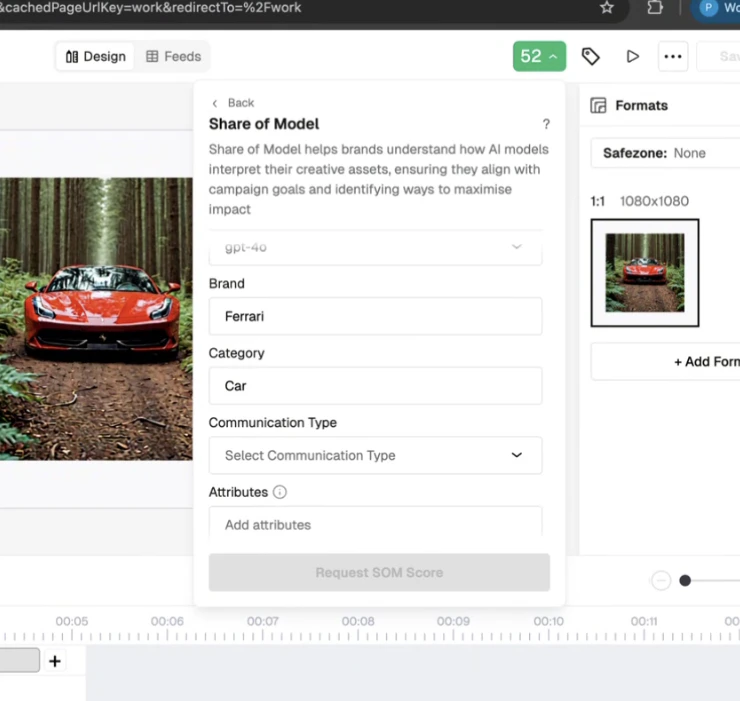
From the Pencil creative library, select an image, video or text asset and click Request Share Of Model Score. Fill in:
Brand name
Category (e.g. Luxury skincare)
Attributes — select 3 to 6 (e.g. Trust, Expertise, Innovation)
Persona(optional) — e.g. Eco-conscious 40-year-old female
Scoring request form
Scoring request — attributes
4
View the score in Pencil
Once processed, a summary score appears in Pencil with breakdowns on attribute alignment, visual and textual representation, and suggestions for improvement.
5
Open the full report in Share Of Model (optional)
A full analysis entry is created in the connected workspace. Open it in Share Of Model for full dashboards: LLM scoring, visual heatmaps, and perception charts.
6
Manage credits (optional)
Each scoring request deducts 1 analysis credit from the workspace quota. Credit usage is visible in the workspace; request additional credits via your CSM.